DesignDojo
1.2-components · 17-toast

Estimated time: 5 min

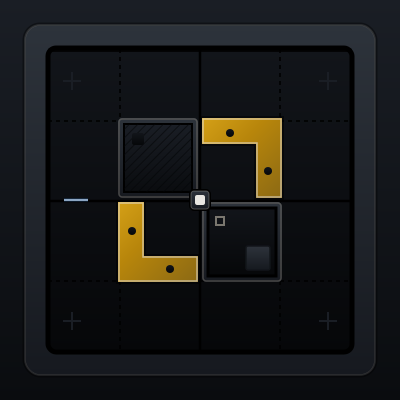
Toast anatomy

When to Use

  • Success confirmations after save, copy, or publish actions.
  • Lightweight warnings that do not require immediate decisions.
  • Background task completion notices like upload finished.

When NOT to Use

Use toasts for informative feedback where work can continue uninterrupted.

If the user must respond before continuing, use Modal instead.

Variants

Success toast
Warning toast
Error toast

Confused?

Use Toast for temporary passive feedback, and use Alert when messages should remain visible inline.

Agent Prompts

Use the copy-ready Cursor and Pencil prompts in the prompt panel below this card.

Agent Prompts

Cursor Prompt

Implement toast notifications that appear in the corner, auto-dismiss after a delay, and support success, warning, and error variants.

Pencil Prompt

Design toast examples for success and failure feedback that stay noticeable without blocking the main workflow.

Progress saves locally on this device.

Learning Loop

Lock this lesson in with a fast cycle: quiz the module, drill flashcards, then run the daily challenge.

Take Module QuizPractice FlashcardsRun Daily Challenge

Next Lesson

Alert